PhilHealth ID: How to Get One, Requirements, Size & Validity (2026)
PhilHealth ID requirements, application steps, and card size — all in one place for 2026. Find out what to bring, how much it costs, and what to do if your card gets lost.
A PhilHealth ID is the membership card issued by the Philippine Health Insurance Corporation, proving that you are a registered member of the National Health Insurance Program. It carries your 12-digit PhilHealth Identification Number, or PIN, along with your name, photo, and signature, and hospitals use it to confirm your coverage during admission. This guide covers everything tied to the card itself: Requirements, the actual application steps, card size and photo specs, cost, replacement for a lost ID, and whether it counts as a valid ID for other transactions.
What Is a PhilHealth ID?
The PhilHealth ID, sometimes called the PHIC ID or health insurance card, is proof that you are enrolled in the Philippines’ national health insurance system. PhilHealth itself is the trade name of the Philippine Health Insurance Corporation, the government agency that pools member contributions to help pay hospital and outpatient bills. The card displays your PhilHealth Identification Number, which stays the same for life even if you switch employers or membership categories. While the card is convenient for quick verification, your actual coverage depends on your PIN and your contribution record, not the physical card alone. All it can be done at PhilHealth Portal and you can see everything on your dashboard.
Types of PhilHealth ID Cards
PhilHealth issues a few different formats, and knowing which one you have helps explain what it can and cannot do for you.
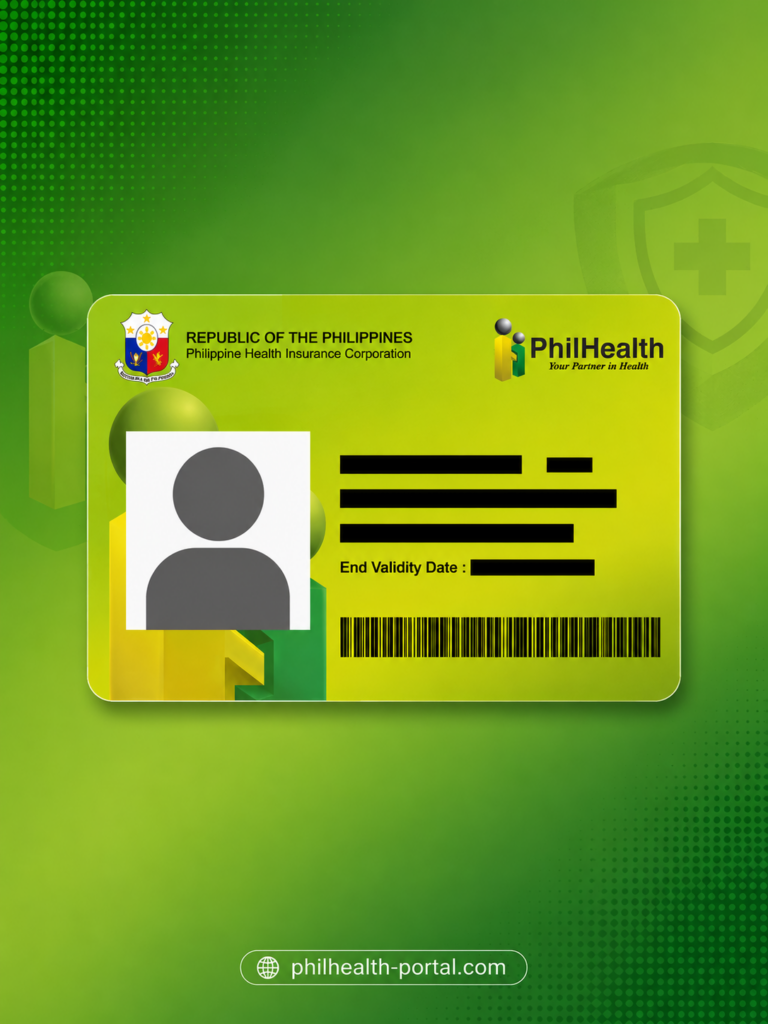
Standard paper ID
A simple printed card with your name, PIN, photo, and signature, which members typically laminate themselves. This is the most common version and is issued free of charge.
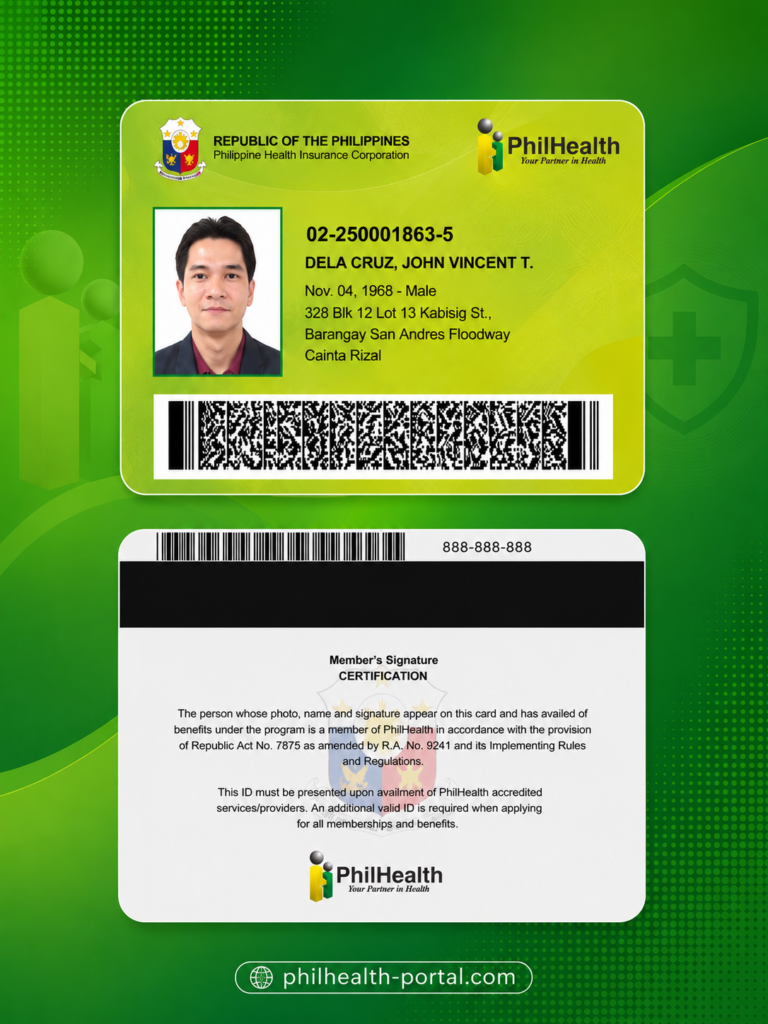
PVC digitized ID
A plastic, credit-card-style ID with a sturdier finish and the PhilHealth logo as a backdrop design. It usually requires a separate request and a minimal processing fee.
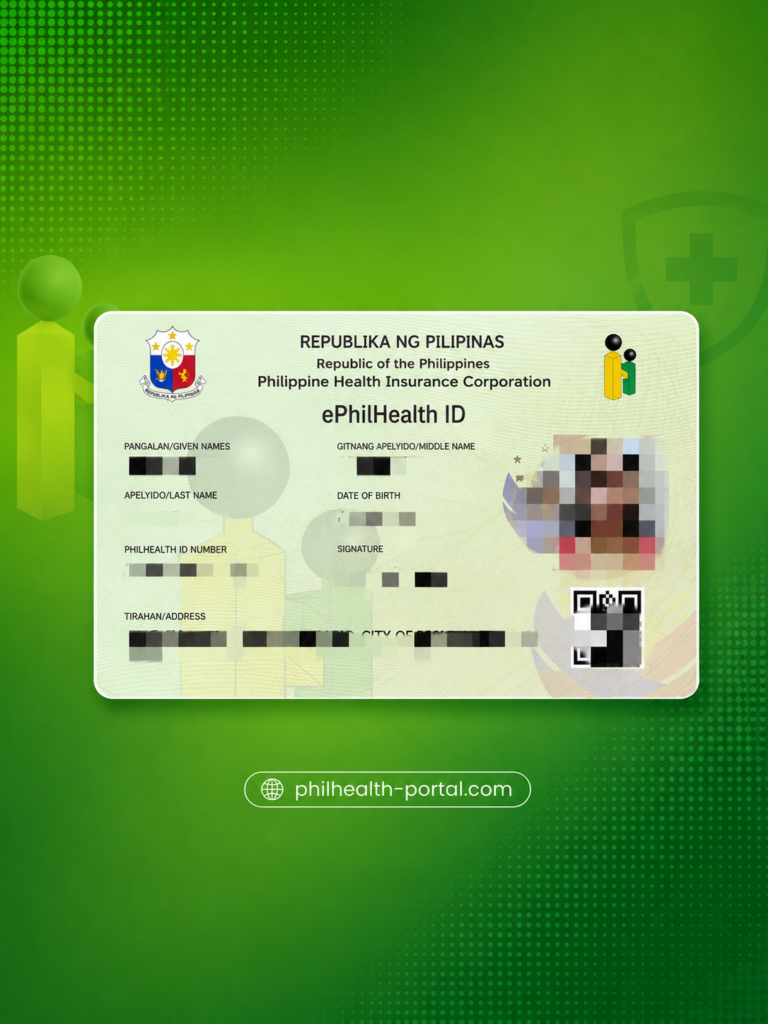
Digital ID via eGovPH
A digital version of your membership stored in the eGovPH Super App’s ID Wallet, useful as backup proof when your physical card is lost or still being processed
Most members carry the standard paper version, since the PVC card has had limited and inconsistent availability across branches over the years.
Who Can Get a PhilHealth ID?
Anyone with an active PhilHealth membership can apply for an ID card, regardless of category. This includes employed members enrolled through a company, self-employed and voluntary members who pay their own contributions, OFWs, senior citizens, and indigent or sponsored members covered through government subsidy programs. If you are unemployed and not yet covered as an indigent or dependent, you can still register as a voluntary member and apply for your own ID once your PIN is issued. If you want to complete the whole procedure without long wait, then must have Online Appointment and visit at exact provided time.
PhilHealth ID Requirements
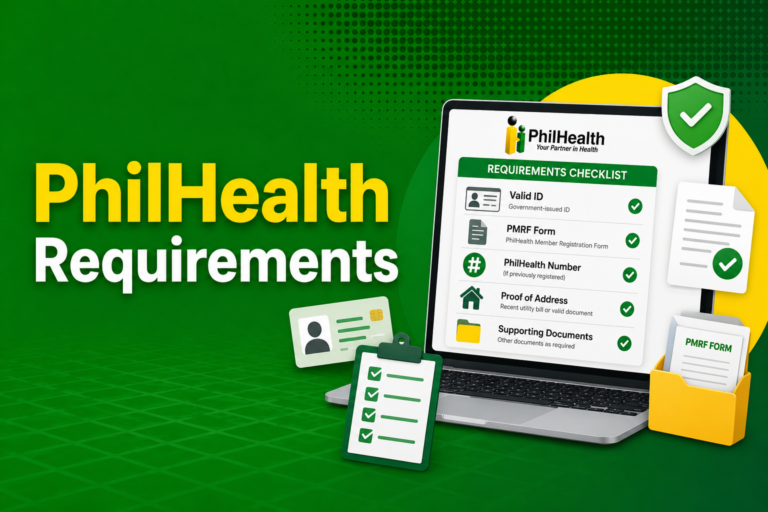
The requirements for a PhilHealth ID are fairly light compared to other government-issued cards, which is part of why so many Filipinos use it as a secondary ID. At minimum, you will need:
Self-employed and voluntary members may also need proof of income or business registration, since this confirms their contribution bracket. Employed members usually only need to submit the PMRF to their employer’s HR department, who will forward it together with the company’s other PhilHealth paperwork.
How to Get a PhilHealth ID (Step-by-Step)
If you searched “paano kumuha ng PhilHealth ID,” here is the short version: Register Online or through your employer to get your PIN first, then visit a branch in person to have the actual card printed and released.
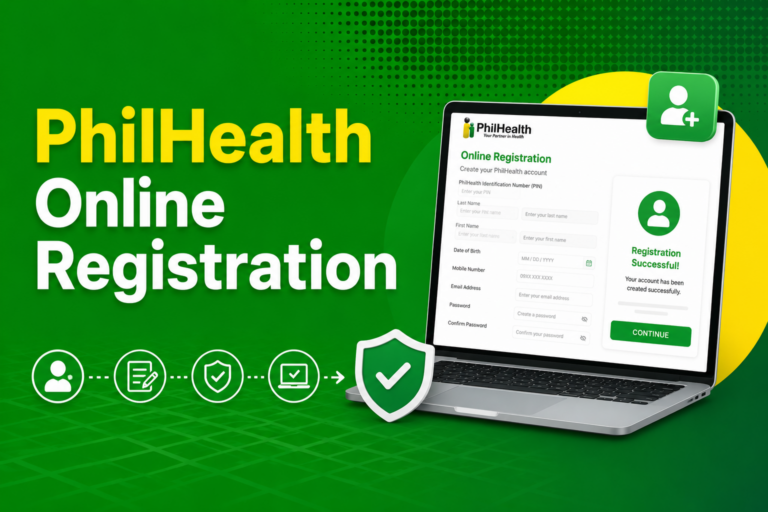
- Register and get your PIN. New members register online through the PhilHealth Member Portal or submit a PMRF through their employer. Self-employed and voluntary members can also register directly using the portal’s online application.
- Wait for your PIN. Online applications typically receive a 12-digit PIN by email within three to five working days.
- Visit a PhilHealth branch or LHIO. Bring a valid ID, your PMRF (printed, if you registered online and were not automatically issued a card), and your 1×1 photos.
- Request your ID card at the counter. Tell the staff you need a PhilHealth ID; they will verify your details against their system.
- Receive your card. Many branches release the standard paper ID the same day, while a PVC or enhanced ID may follow a separate schedule.
Filling out your PMRF at home before heading to the branch saves a noticeable amount of time, since most delays happen at the data-entry stage rather than the printing itself.
Can You Get a PhilHealth ID Online?
You can complete your PhilHealth ID online registration up to the point of receiving your PIN, but the physical card itself cannot be downloaded or mailed automatically. PhilHealth does not currently offer a PhilHealth ID card download service, so claiming the actual ID still requires an in-person Nearest Branch visit. The one exception is the digital ID inside the eGovPH app, which functions as a legitimate stand-in for the physical card under the law recognizing digital government IDs, useful while you wait for your printed card.
PhilHealth ID Size, Photo, and What’s Printed on the Card
The required photo for your PhilHealth ID is 1×1 inch (2.5 x 2.5 cm) with a plain white background and a neutral expression, taken within the past six months. The card itself is roughly wallet-sized, close to standard credit-card dimensions for the PVC version, while the older laminated paper version is commonly printed around 9 x 6 centimeters, though members sometimes trim or laminate it slightly differently. On the front, you will typically find your full name, your 12-digit PhilHealth Identification Number, your photo, your signature, and the PhilHealth logo as a design element. The back may carry your address, your member type, and in some PVC versions, a QR code used for faster verification at hospitals and PhilHealth offices.
Cost and Processing Time
Getting your first PhilHealth ID is free, aside from the cost of having your 1×1 photos taken. The only expense most members encounter is a minimal replacement fee, typically around ₱90, charged when requesting a lost-card replacement or an upgraded PVC version. As for timing, the standard paper ID is frequently released the same day you apply at a branch, while a PVC or enhanced card may take longer depending on local stock and equipment. If you registered online first, factor in the three-to-five working day wait for your PIN before your branch visit even begins.
Is the PhilHealth ID a Valid ID in the Philippines?
Yes, the PhilHealth ID is generally accepted as a valid secondary identification document for most everyday transactions in the Philippines. It works well for verification at PhilHealth offices, hospitals, banks, and many government counters, particularly the newer PVC, digitized version with a photo and signature. It is usually not accepted as a primary ID for stricter transactions such as passport applications, where agencies like the DFA prefer documents such as a PSA birth certificate, UMID, or driver’s license. If a transaction requires a primary ID, it is best to pair your PhilHealth ID with your Philippine National ID rather than relying on it alone.
Lost or Damaged PhilHealth ID: How to Get a Replacement
Losing your PhilHealth ID does not affect your membership, since your coverage is tied to your PIN and contribution record, not the physical card. Getting a new PhilHealth ID after losing the old one follows almost the same steps as applying for the first time.
If you cannot visit the branch yourself, a trusted representative can process the replacement on your behalf using an authorization letter, your valid ID, and their own valid ID.
How to Check or Recover Your PhilHealth Number
If you only need your PhilHealth number rather than the physical card, there are faster ways to retrieve it than a branch visit. Log in to the PhilHealth Member Portal using your registered email to view your PIN on your dashboard, or check the eGovPH app if your account is already linked. You can also call the PhilHealth Action Center with your full name and birth date for verification, or send an email inquiry to the official action center address. Walk-in verification at any LHIO remains an option if your registered contact details are outdated or no longer accessible.
Tips for Keeping Your PhilHealth ID Usable
A laminated paper ID wears out faster than people expect, so a few habits help it last. Keep a clear photo or scan of your card saved on your phone as backup, in case the physical copy gets damaged or misplaced during a hospital visit. Link your membership to the eGovPH app early, so you always have a digital fallback even without the card in hand. Store the original in a cardholder rather than a wallet pocket where it can bend or fade, and re-laminate it promptly if the lamination starts peeling at the edges.
Frequently Asked Questions
What is a PhilHealth ID?
A PhilHealth ID is the membership card issued by the Philippine Health Insurance Corporation that displays your PIN, name, and photo as proof of enrollment in the National Health Insurance Program.
How much does a PhilHealth ID cost?
The standard paper PhilHealth ID is free; only the PVC, digitized version and lost-card replacements typically carry a minimal fee, usually around ₱90.
How many days does it take to get a PhilHealth ID?
If you already have your PIN, the standard paper ID is often released the same day at a branch; if you are registering for the first time online, expect three to five working days for your PIN before you can claim the card.
Can I get a PhilHealth ID online?
You can complete registration and receive your PIN online, but the physical card must still be claimed in person at a PhilHealth branch, since there is no official ID download service.
Is the PhilHealth ID a valid ID in the Philippines?
Yes, it is widely accepted as a secondary ID for most transactions, though stricter processes like passport applications generally require a primary ID instead.
What is the size of a PhilHealth ID photo?
The required photo size is 1×1 inch with a plain white background, taken within the last six months.
What do I do if I lost my PhilHealth ID?
Your membership remains active even if the card is lost; simply visit any PhilHealth branch with a valid ID, a new photo, and an Affidavit of Loss if required, to request a free replacement.
How do I know my PhilHealth number if I don’t have my ID?
Log in to the PhilHealth Member Portal with your registered email, check the eGovPH app, or call the PhilHealth Action Center to retrieve your PIN.
Does the PhilHealth ID expire?
No, the PhilHealth ID does not have an expiration date and remains valid for as long as your membership is active.
Conclusion
Getting a PhilHealth ID is one of the simpler government card applications in the Philippines, mainly because the requirements are light and the standard version costs nothing. The part most members overlook is that registration alone does not produce the card automatically; a branch visit is still needed to have it printed and released. Once you have it, treat the card as a backup to your PIN rather than your only proof of membership, and keep a digital copy through the eGovPH app so a lost or damaged card never leaves you without a way to verify your coverage.